

AI in WordPress development: useful when the workflow is governed
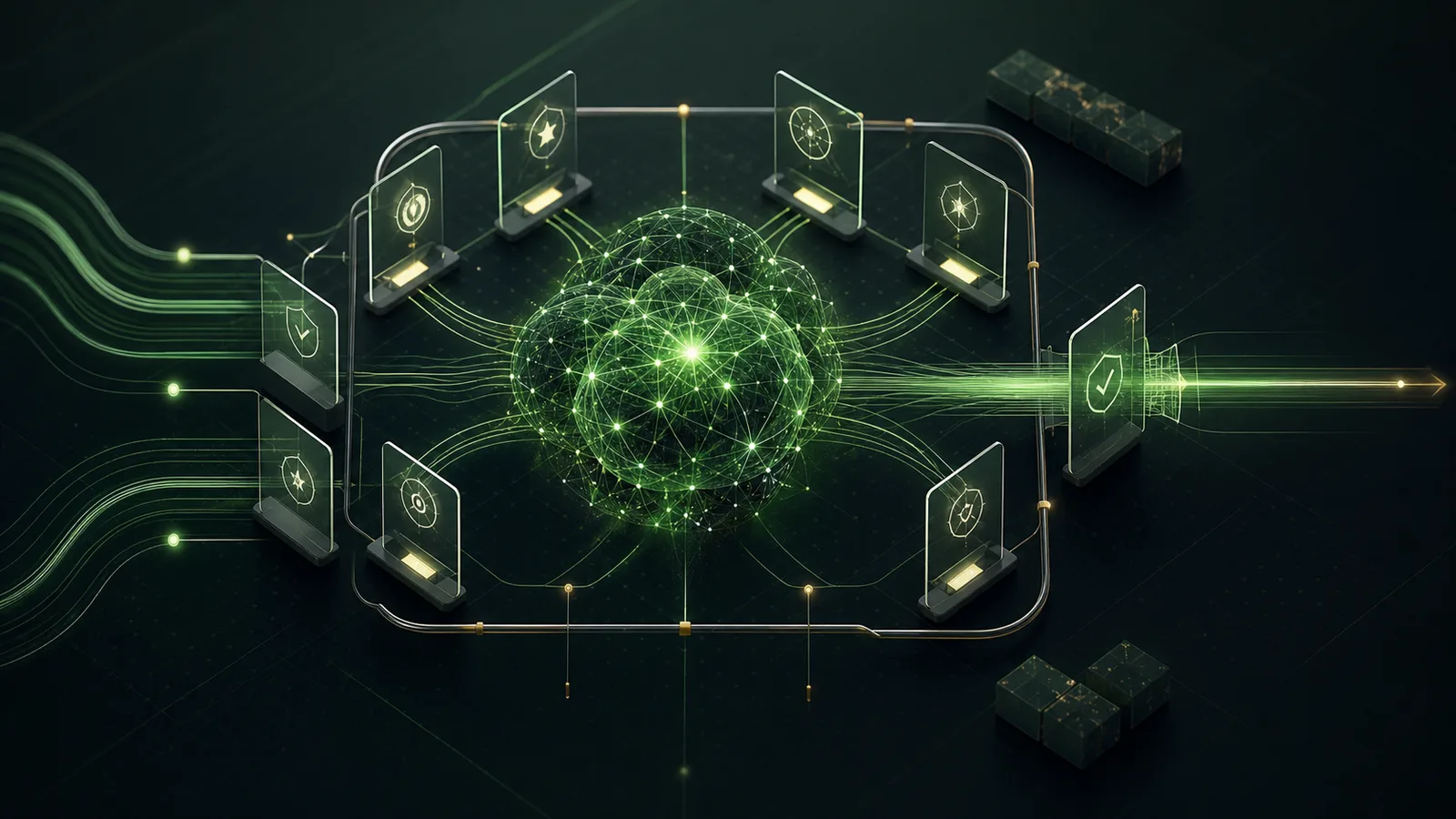
AI can write a function in seconds. It can also write a function that looks right, survives a distracted glance, and creates a problem two updates later.
The difference does not only depend on the model. It depends on what surrounds it: instructions, repository, test environment, reliable sources, acceptance criteria and someone who knows when to stop.
That is why I do not find a workflow useful when an AI receives a vague request, produces a reassuring amount of code and is greeted as if it solved the project. It is a shortcut for moving the cost of understanding later.
Context is not an attachment
An assistant can be effective when it knows which project it is touching, which conventions exist, which files are sources of truth and which boundaries it cannot cross. It does not need an enormous archive thrown at it. It needs the right minimum context and tools that can verify the actual state.
For a WordPress project, that can mean:
- clear instructions about the plugin or theme domain;
- a reproducible local environment;
- readable test data and logs;
- security, accessibility and compatibility criteria;
- commands to check linting, tests, builds and Git state;
- previous decisions that can be found without reconstructing the whole history from memory.
AI can help explore, debug, prepare tests, explain an API, propose a change or organise documentation. It should not become the source of truth for what a system actually does.
Contract first, generation second
WP OneShot grew from this need: making the work surrounding WordPress plugin development less improvised. The personal project, still under active development, prepares isolated environments, `AGENTS.md` instructions, MCP configuration, bounded briefs and verification gates such as doctor, validation, repair, commit and preflight.
The point is not to turn every change into a ceremony. It is to surface the questions that otherwise arrive too late: which installation are we changing? Which file is authoritative? What must keep working? Which check proves that the change did not break something else?
The best result is not, “AI did everything.” It is a process in which a person can understand, verify and maintain what was done.
Speed without blind delegation
A governed workflow is not designed to make AI slower. It avoids false acceleration: rewrites because the context was wrong, fixes piled on fixes, tests run too late, out-of-scope files changed, and important decisions buried in a chat.
In real work, I prefer assistants for their actual strength: increasing the ability to explore and iterate. Responsibility remains human for architecture, data, security, response quality and release.
That distinction is useful to someone commissioning a project too. They are not buying a promise of magic automation. They are buying a system that can be inspected, discussed and handed over without relying on an unreproducible session.
This connects both to web integrations and custom automations and technical WordPress consulting. In both cases, the value is not adding one more tool. It is knowing where that tool needs to stop.